

Separate sensors in, one operating picture out.
AGRON 1 is our integration software. It connects radars, optics, RF detection, sonar, unmanned vehicles and communications from different manufacturers, fuses their data into tracks and gives operators one console to work from.
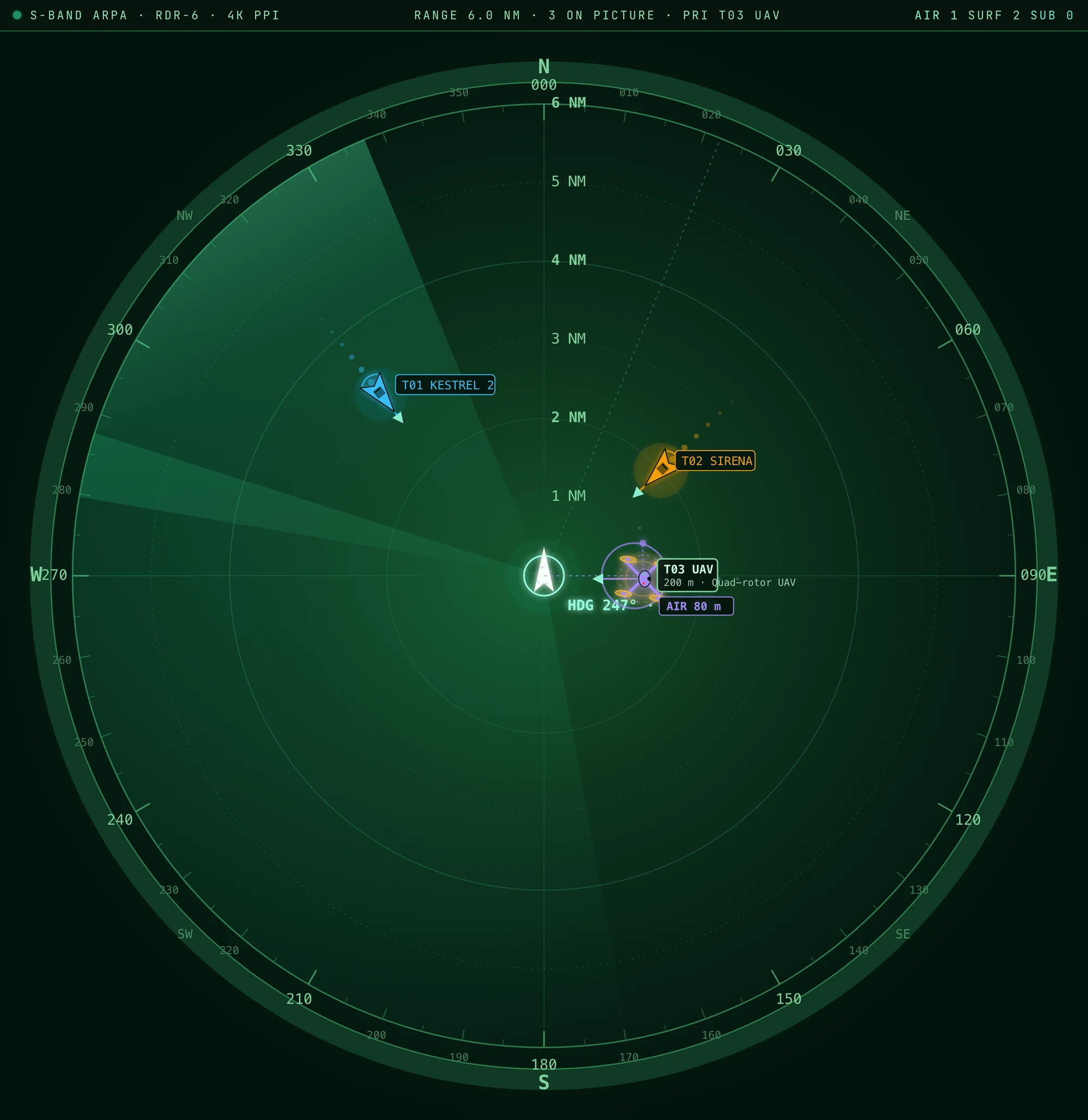
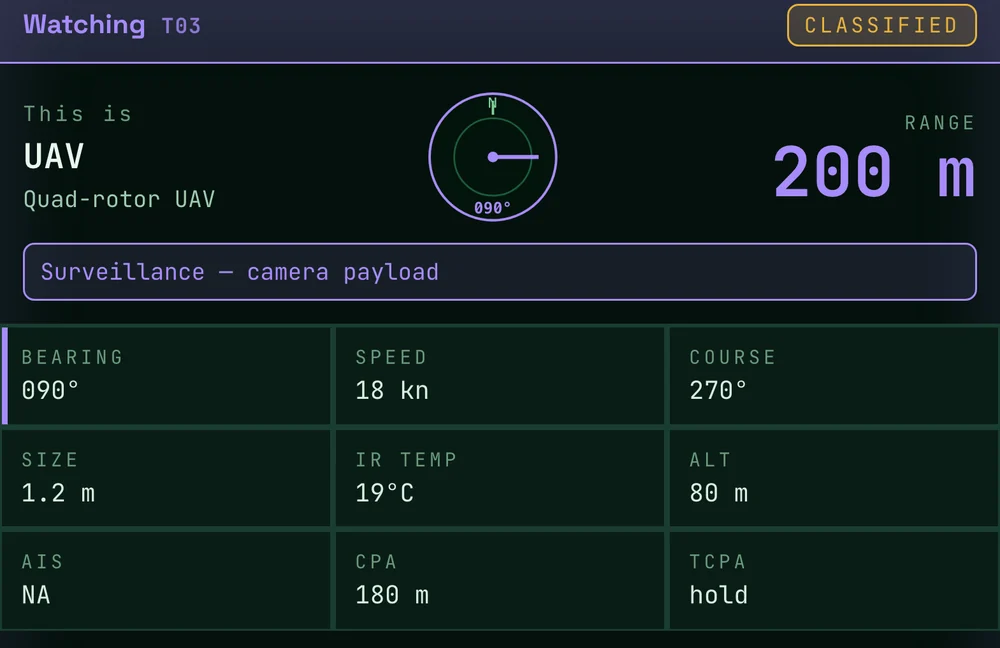
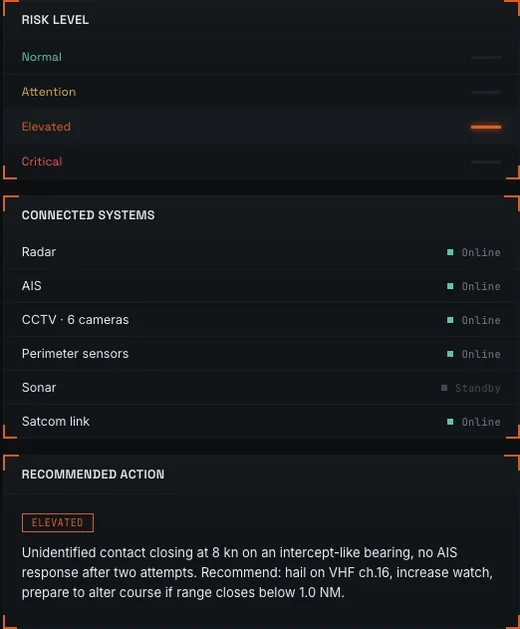

The software foundation of StarDome.
AGRON 1 brings the core software functions together in one platform. Its architecture lets each component develop without replacing the whole system.
- 01Data acquisitionIntake from sensors, devices and services
- 02Data fusionObservations from several sources combined
- 03TrackingOne record per object over time
- 04ClassificationCategories with stated uncertainty
- 05Risk and alertsEvent assessment and prioritized warnings
- 06AI PilotAssistant for every role, by text or voice
- 07Unified integration frameworkConnection of external systems and services
- 08MonitoringTechnical state of every component
- 09User interfaceOne working environment
- 10Data storage and historyEvents, observations and actions on record
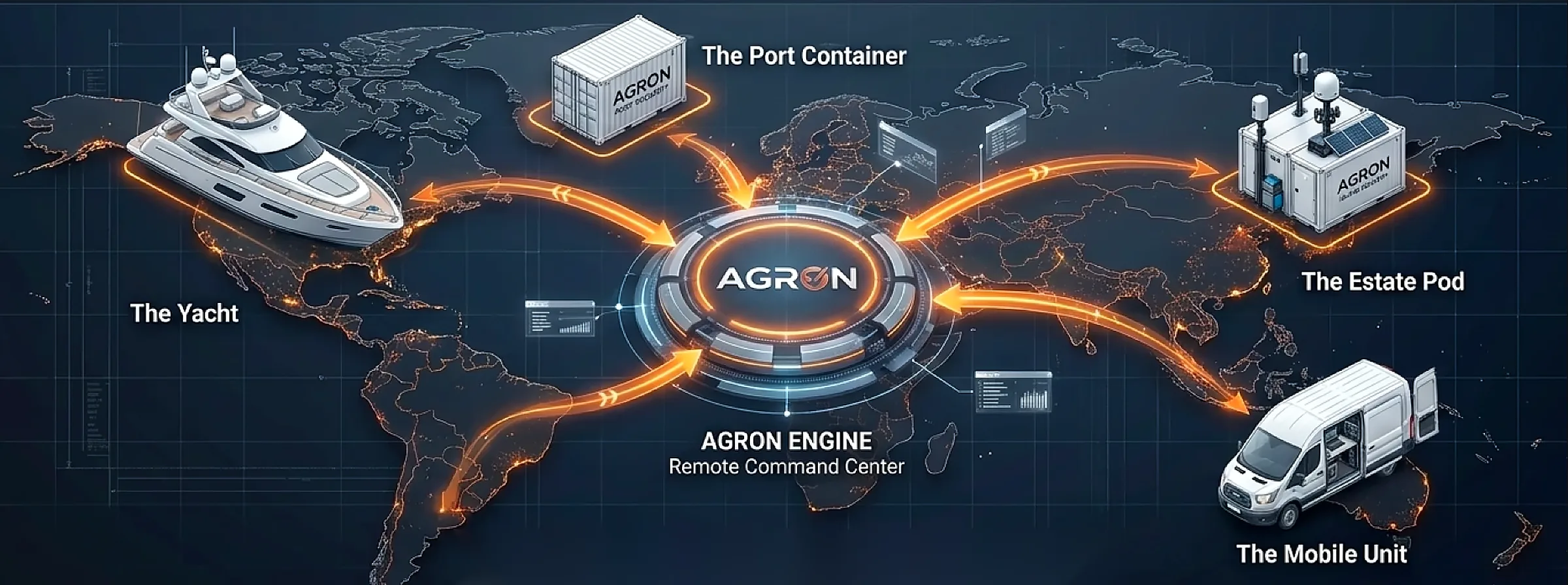
AGRON INTEGRATION LAB
Tested in the lab before it reaches the site.
In the AGRON Integration Lab we connect external devices to AGRON 1, test how they exchange data and run simulated situations to see the whole system at work before it is deployed.
- New sensors and cameras
- Unmanned vehicles and docks
- Communications equipment
- Partner and customer systems
- 01Connectthrough an AGRON 1 adapter
- 02Testdata formats, timing, status and faults
- 03Simulatetraffic, targets, failures and lost links
- 04Validatetracks, alerts, AI Pilot answers and records
- A tested configuration
- Integration documentation
- Scenarios ready for the site
- Operators trained on simulated situations
Manufacturers can bring new equipment for integration, and customers can check how their existing systems will work with AGRON 1 before anything is installed.
One interface for every task.
Nine work areas share one navigation, so critical information is always one step away.
- Operational overview
- Map and tracking
- Sensors
- Events and alerts
- Unmanned systems
- AI Pilot
- System health
- Reports
- Administration
Interface principles
- Fast access to critical information
- Functions separated by role
- Time and source shown for every item of data
- Unreliable or outdated information clearly marked
- Confirmation of sensitive actions
- Every operation logged
Security and access control.
AGRON 1 is built around information protection and separation of access.
- User authentication
- Role-based access control
- Access control for integrated services
- Protected data exchange interfaces
- Security event logging
- User action logging
- Monitoring of connections
- Administrative and operator functions kept separate
Specific protection mechanisms and their certification status are defined by the deployment configuration and the results of its review.
On site
Runs on Dell and HPE hardware inside the station or the vehicle, with no dependence on a remote data center.
Cloud sync
When a link is available, events and records synchronize for remote watch and review.
Open to partners
New sensors and partner equipment join through adapters rather than through a new system.